Seneca Learning
What is Seneca?
Seneca is a ‘smart learning algorithm’ platform, which means that students receive feedback while they are working and are shown more questions about the topics they are struggling with. Students can use Seneca to access homework (called ‘assignments’), additional subject information, quizzes, revision and exam preparation.
Our premium access to Seneca gives students and teachers access to additional resources and learning tools
It is an excellent way of learning away from the classroom.
Accessing Seneca
Access Seneca at www.senecalearning.com or download the app (tablet or phone).
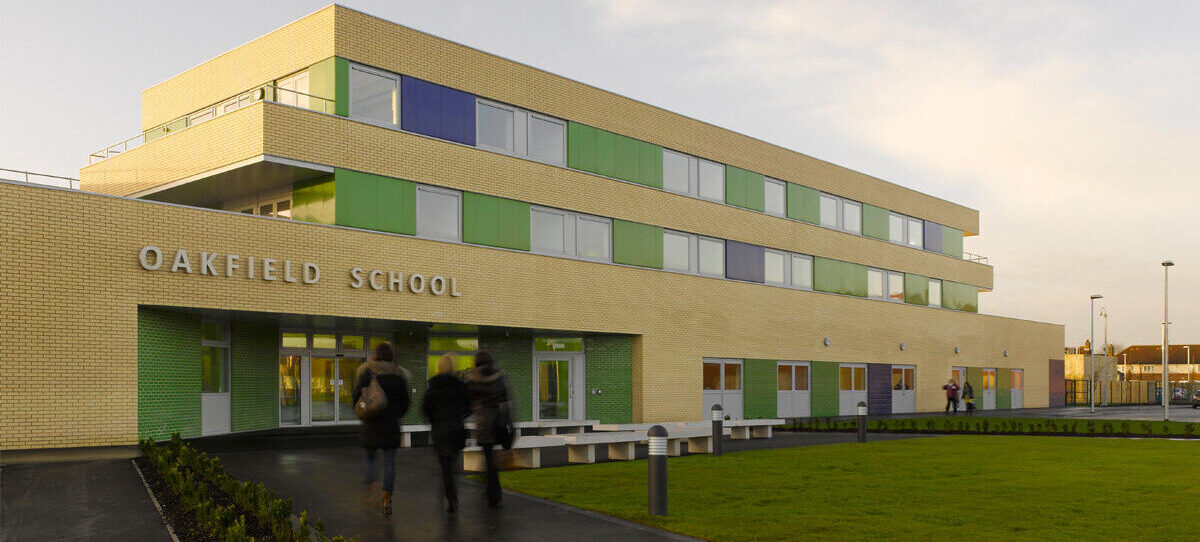
Students can log in using the ‘Continue with Microsoft’ option using their school email address: initial.surname@oakfieldhull.co.uk and their usual school password.
If your child has forgotten their password, they can simply click the ‘forgotten my password’ button on the website and a link will be sent to their school email account so that they can reset their password
Parents/carers and students can be found by accessing the guides below
Further information can be found by clicking the link below:
Any questions?
Students are encouraged to see their subject teacher if they are having any difficulties – we are here to help
We hope you find this platform useful in supporting your child with their revision and independent study at home.